


AI Contract Analyzer for Key Terms & Obligations
An AI contract analyzer turns PDF, DOCX, and scanned agreements into structured fields you can review beside the original. Extract parties, dates, payment terms, obligations, key terms, and termination details, then export JSON, Excel, CSV, Word, or TXT.
- Review extracted fields beside the agreement
- Correct the generated text before export
- Download JSON, Excel, CSV, Word or TXT
Upload your document to get started
Drag and drop files here

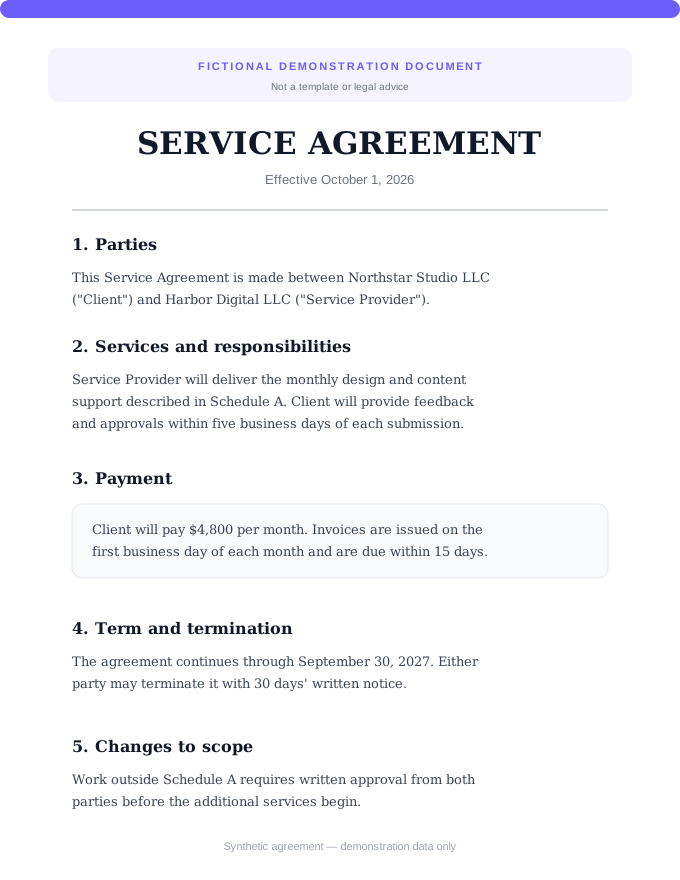
How to Extract Key Terms from a Contract
Upload the agreement
Add a PDF, DOCX, scan, or supported contract image.
Extract structured fields
The analyzer organizes parties, dates, key terms, obligations, payment terms, and termination conditions.
Review and export
Check the result against the source, make corrections in the text view, and choose an export format.
What This Contract Analyzer Extracts
The analyzer separates contract details into named fields for review. A field appears only when the model identifies relevant information in the uploaded agreement.
Contract Type
The detected agreement category, such as an NDA, lease, employment contract, or service agreement.
Parties and Roles
The people or organizations named in the agreement and the role assigned to each party.
Effective and Expiration Dates
The start date and stated expiration date when they appear in the contract.
Key Terms
Important provisions summarized as a reviewable list instead of one undifferentiated block of text.
Obligations
Actions, responsibilities, and commitments identified in the agreement.
Payment and Termination
Payment details and the stated conditions for ending the agreement when present.
What an AI Contract Analyzer Can—and Cannot—Tell You
An AI contract analyzer converts an agreement into structured information that is easier to review and reuse. DocuGenie identifies contract type, parties, dates, key terms, obligations, payment details, and termination conditions; it does not decide whether the agreement is legally safe or favorable.
Structured extraction is different from a general summary
A summary compresses the document into prose. Structured extraction separates recurring contract facts into named fields, making it easier to check a date, copy an obligation, or move selected information into JSON, Excel, CSV, Word, or text.
The source contract remains authoritative
AI can misread scans, tables, defined terms, exhibits, and cross-references. Check every extracted field against the original agreement. Ask a qualified lawyer about material exposure, unusual language, jurisdiction-specific questions, or any decision that depends on legal interpretation.
Contract Extraction Workflows
Use the analyzer for a first pass when the immediate job is to locate and organize contract facts—not to replace legal judgment.
Vendor Agreements
Pull out parties, dates, payment details, obligations, and termination terms before routing questions to the right owner.
Freelance and Service Contracts
Organize scope-related terms, responsibilities, payment details, and the stated conditions for ending the agreement.
Lease Agreements
Extract the named parties, effective and expiration dates, payment terms, obligations, and termination language for review.
NDAs and Partnership Agreements
Create a structured first pass of key terms and party obligations before seeking advice on their legal effect.
Operations Records
Move selected contract fields into JSON or a spreadsheet workflow after checking them against the source.
Amendment Intake
Analyze an amendment as its own document and review the extracted terms beside the original file.
Review, Correct, and Export the Result
Automated extraction shortens the first pass; the review workspace keeps the source and the reusable result in the same workflow.
Original Beside Result
Keep the uploaded agreement visible while reviewing extracted information.
Structured and Text Views
Review named contract fields or switch to the generated text view.
Editable Review
Correct the generated text before copying or downloading it.
Multi-File Workspace
Queue several agreements and review each result separately.
Five Export Formats
Download JSON, Excel, CSV, Word, or TXT.
Scans and Images
Process supported contract scans and clear photos as well as PDF and DOCX files.
Choose the Right Contract Review Workflow
Use a general summary when a short overview is enough. Use structured contract extraction when you need recurring facts separated into fields that can be reviewed and exported.
| Feature | DocuGenie | General AI summary |
|---|---|---|
| Separates parties and roles | ✓ | Prompt-dependent |
| Returns effective and expiration dates as fields | ✓ | Usually prose |
| Lists key terms and obligations separately | ✓ | Varies |
| Shows the original during review | ✓ | Varies |
| Exports JSON, Excel, CSV, Word, and TXT | ✓ | Varies |
| Provides legal advice | ✕ | ✕ |
Contract Analyzer FAQ
Common questions about using Contract Analyzer
An AI contract analyzer converts an agreement into structured information for a faster first pass. DocuGenie can identify contract type, parties, effective and expiration dates, key terms, obligations, payment details, and termination conditions. The result still needs to be checked against the source document.
Related Tools
Business documents
Parse, understand, summarize, and translate business files.
Document Summarizer
Get instant AI summaries of any document. Extract key points and main ideas in seconds.
Document Translator
Translate documents to 100+ languages. Upload PDF, Word, or image, get translated text instantly.
Resume Parser
Extract contact details, skills, work history, education, and raw resume text. Review the result, then export JSON, Excel, CSV, Word, or TXT.
Contract Analyzer is one of 17 document tools in DocuGenie
Skip paying for a separate app for every task. One DocuGenie subscription bundles handwriting OCR, image-to-text, PDF and Excel conversion, translation, summaries, and more - from $9/mo. Use your credits on whichever tool you need.